“Just ballpark it for me.” Most manufacturers dodge that call with “it depends,” which is true and useless. It does depend. So here are the actual numbers we quote from, and the short list of things they depend on, so you can ballpark your own part before you ever talk to us.
The real numbers, by size class
Part size sets the cost neighborhood before any other detail matters:
| Size class | Longest dimension | Cost per part | Production rate | Process |
|---|---|---|---|---|
| Small | Under 6″ | $0.15 – $5 | 5,000–60,000 units/day | SLA LCD resin |
| Medium | 6–20″ | $5 – $100 | 500–5,000 units/day | SLA LCD resin |
SLA LCD means stereolithography (liquid resin cured layer by layer with light through an LCD mask), and it is how we mass produce. The medium band is wide because a 7-inch part and a 19-inch part are barely the same category; where you land depends on the drivers below.
Tooling cost, in every row: zero. That absence is the whole reason this pricing works the way it does.
Worth knowing about the quote itself: there is no NRE line. NRE (non-recurring engineering, the one-time setup charge most manufacturing quotes open with) has nothing to attach to when the tooling is a file, so a printed-part quote is close to pure piece price. Wash and post-cure are already in the number. What you see per part is what the part costs.
What drives the price
- Resin volume, above everything. The single most impactful factor in a quote is how much resin your part drinks. Material cost recurs on every unit forever, and a part that uses double the resin costs roughly double.
- Build plate real estate. We price builds, and your per-part cost is the build divided by how many parts fit. A part that nests 200 to a plate lives in a different price world than one that fits 12.
- Height. Print time follows Z. A short, wide layout finishes faster than a tall one, and faster is cheaper.
- Layer height. Most production runs at 100 microns. Parts that need finer surfaces run 50, and fine work runs 25 — each step down is more layers and more hours for the same geometry.
- Supports. Support structures cost resin going on and labor coming off, then the touched surfaces may need rework. Parts designed to print support-free skip all three bills.
- Post-processing. Wash and cure are built into every quote. Cerakote (a ceramic coating we use for color range and surface durability) is an add.
What quantity does, and doesn’t do
Quantity helps, gently. Setup effort spreads out, plates fill efficiently, scheduling smooths, and big committed volumes earn genuinely competitive pricing. What quantity does not do here is fall off a cliff the way molded pricing does when a mold amortizes out. The printed price curve flattens instead of plunging — which means a 500-unit order isn’t punished, and a 50,000-unit order isn’t magic. It also means there’s no minimum order propping the math up. Above roughly 50,000 pieces we usually set up weekly shipments, so parts arrive as you sell them instead of all at once.
At high volume with a stable design, a fully amortized mold eventually beats us on piece price; our volume math piece maps where that crossover lives. And if a cheap overseas piece price is the comparison, make sure it’s the landed cost you’re comparing.
Why small parts are the sweet spot
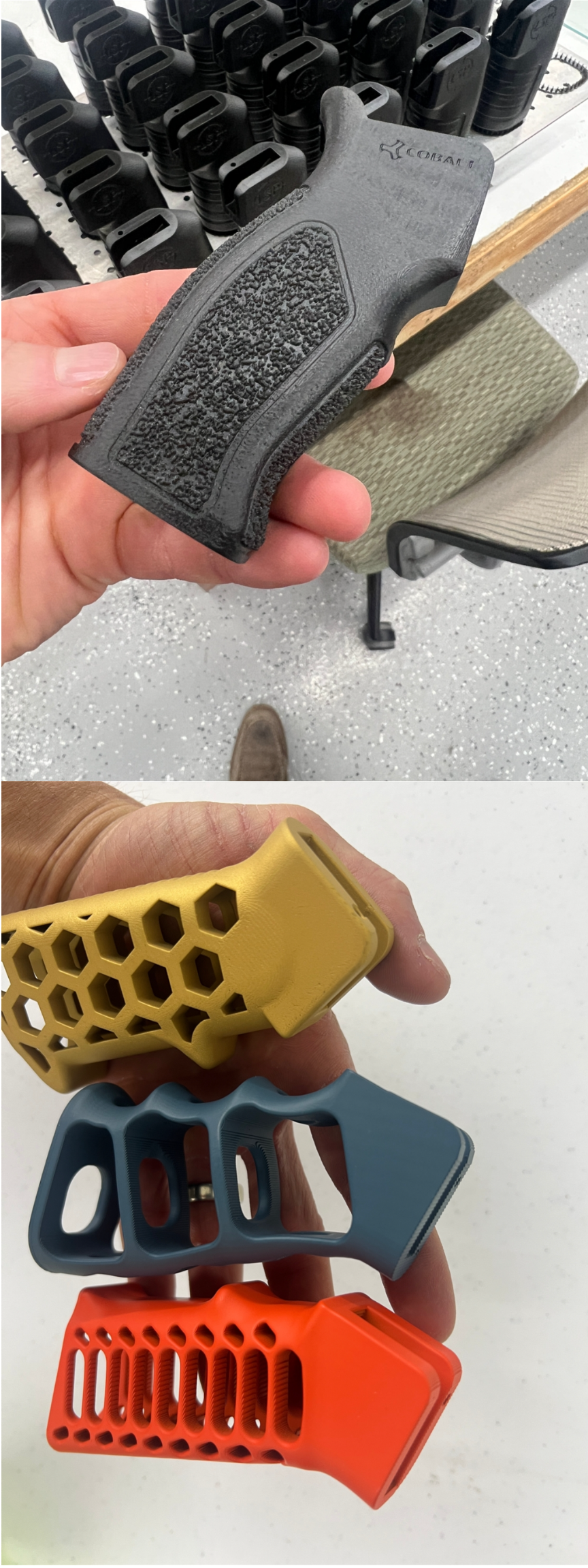
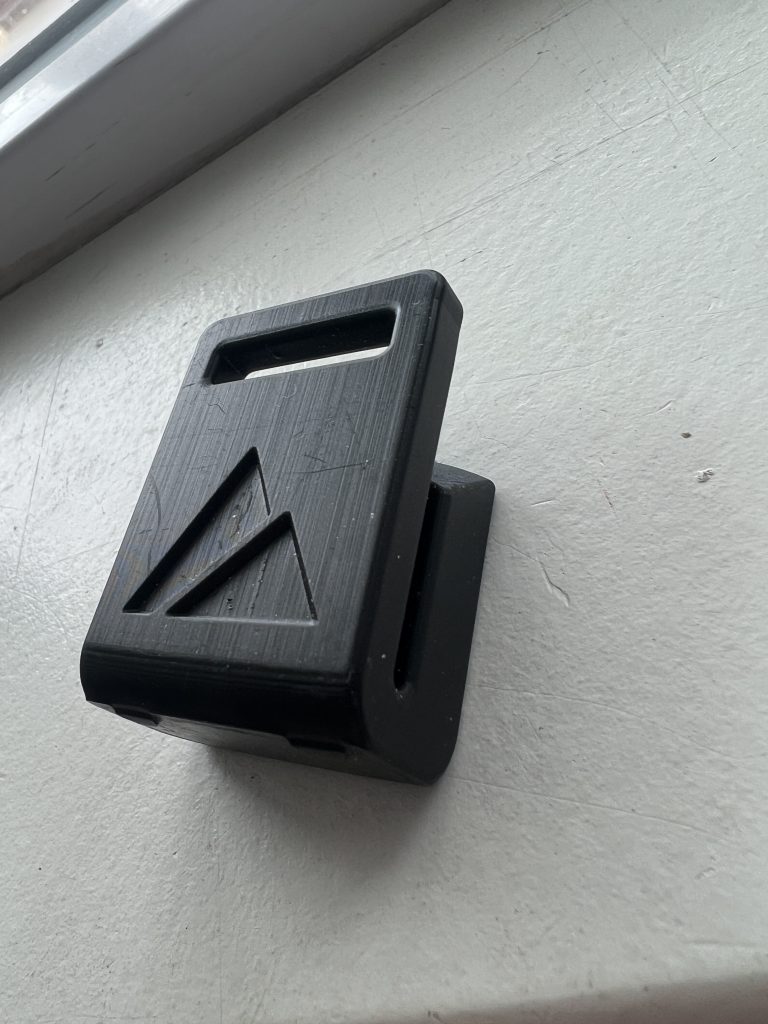
Under 6 inches, printed parts compete directly with injection-molded piece prices, with no tooling check written first. This is the class where we have printed 62,700 parts in 7 hours, where promotional pens run for cents apiece, and where the build plates pack dense enough that the economics get almost boring. If your part fits in your palm, additive pricing deserves a serious look even if you assumed it couldn’t compete.
How to make your part cheaper
The drivers are levers, and most of them are yours to pull in CAD:
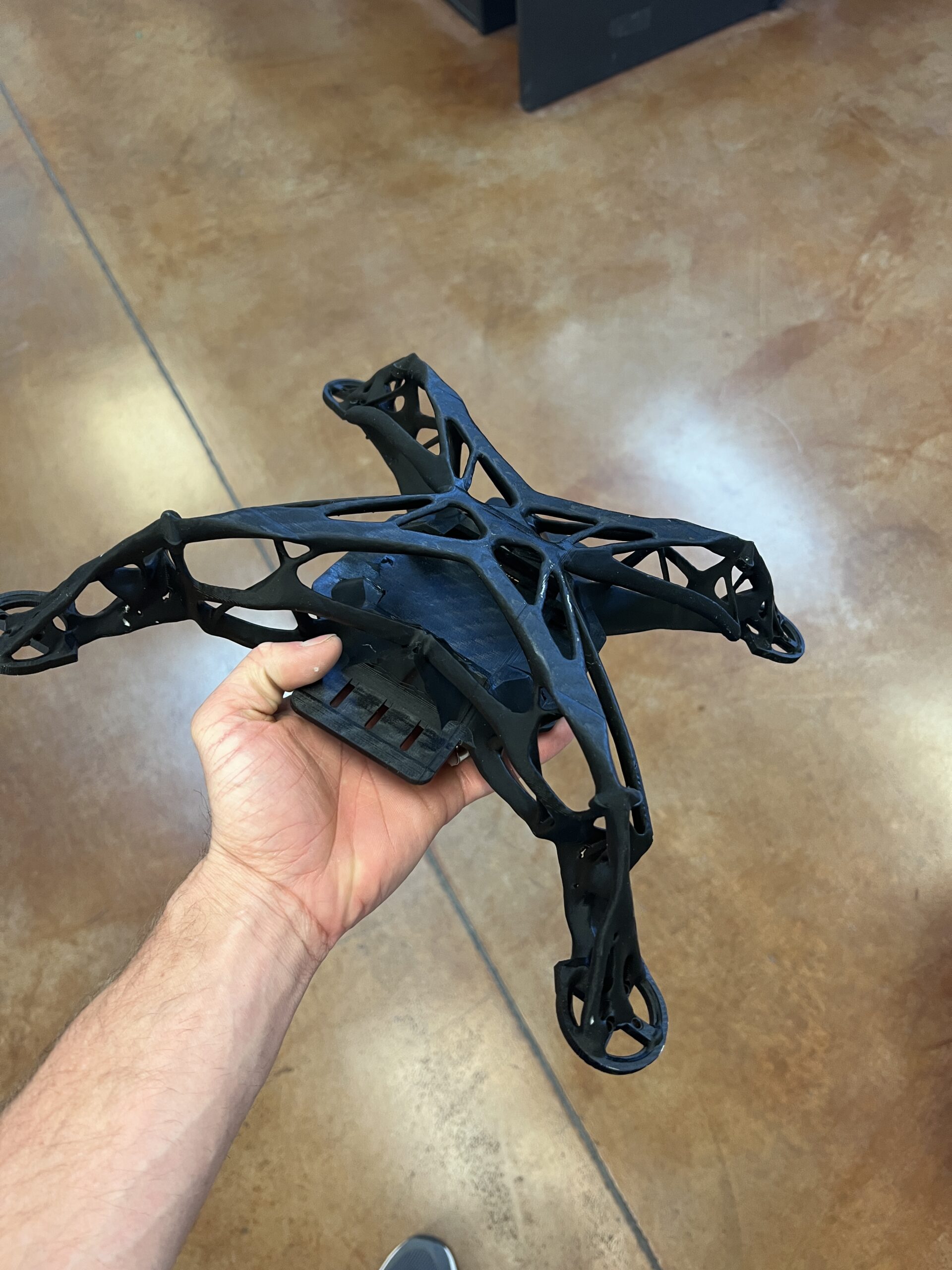
- Use less resin. Shell thick sections, hollow what can be hollow, and take out material the function never needed. This is the biggest lever by far.
- Get under 6 inches if you can. A part that squeaks into the small class changes price categories entirely.
- Design out the supports. Self-supporting geometry prints cleaner and quotes lower. Our DfAM (design for additive manufacturing) basics guide covers how.
- Loosen the tolerances that don’t matter. Call out the two dimensions the assembly cares about and let the rest ride. Over-toleranced drawings quote high in every process.
- Consolidate. Three molded parts plus assembly labor can be one printed part. The comparison should be against the assembly’s cost, not one component’s.
Getting a real number
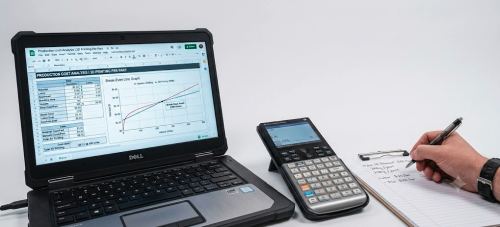
Ranges are for orientation; parts deserve quotes. Our instant estimate tool takes your file and returns a number in about a minute, which is the honest answer to “ballpark it” — a ballpark computed from your actual geometry. For anything with questions attached (materials, volumes, a design still moving), send it over and a person will quote it the old way, by looking at it.
The pattern under all of it is simple. Resin is the meter that’s running. Design the part to sip instead of gulp, keep it small, keep it support-free, and the price mostly takes care of itself.